

Copilot Studio’s New GitHub Copilot Harness: Architecture, Billing & Governance Explained
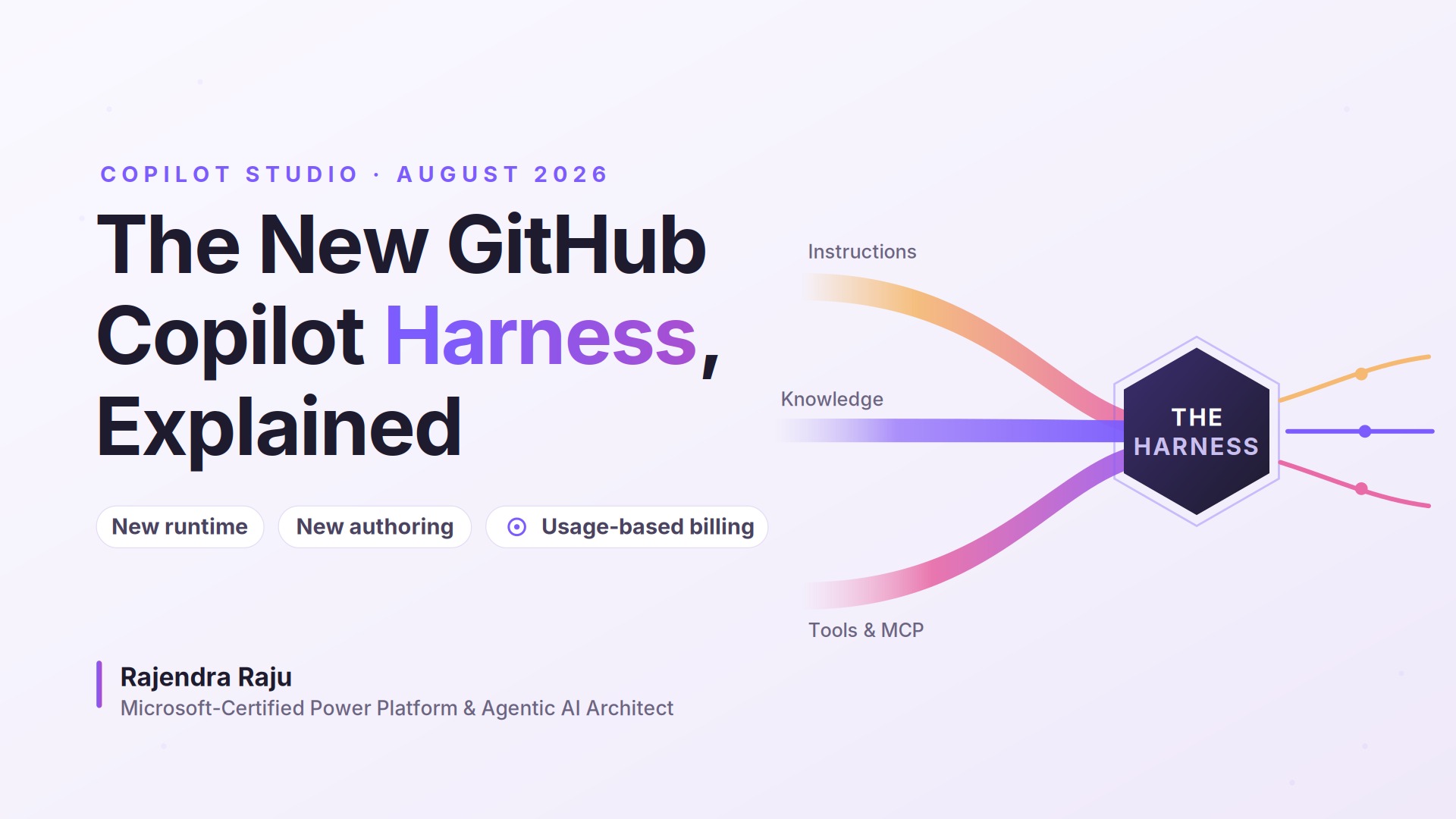
By Rajendra Raju — Microsoft-Certified Power Platform & Agentic AI Architect
If you work in Copilot Studio, you probably have a few questions right now. What exactly is a harness? Why is there billing during agent building? Doesn't a Microsoft 365 Copilot license already cover this? And is this the same GitHub Copilot developers use for coding?
These questions became especially relevant after Microsoft introduced the GitHub Copilot harness in Copilot Studio in August 2026.
This is more than a feature release. It introduces a different orchestration runtime, authoring experience, and usage-based billing model.
In this post, I'll break down what a harness is, how the three Copilot Studio harnesses differ, how billing works, the key advantages and limitations, and what enterprises should consider for governance and cost control.
🧩 What Is a Harness?
Every agent you've built in Copilot Studio has relied on a runtime that coordinates the agent experience.
If you're a Power Platform maker, think of a Power Automate cloud flow.
You design triggers, actions, conditions, and business logic, but you don't build the engine that executes them. The platform decides how those components run.
A harness plays a similar role for agents.
It sits between the agent you design and the AI model that powers it, coordinating things such as:
When to call the model
What context to provide
Which knowledge sources to use
Which tools, connectors, or MCP servers to invoke
How outputs move between steps
How the agent responds when something fails
In Copilot Studio, you're not building the underlying AI model. You're designing the instructions, knowledge, tools, and behaviors that the harness coordinates around it.
As reasoning models became more capable, Microsoft needed a runtime that could take a goal instead of following only predefined conversation paths.
That's where the GitHub Copilot harness comes in.
Official documentation: https://learn.microsoft.com/en-us/microsoft-copilot-studio/harnesses-overview
🔀 The Three Copilot Studio Harnesses
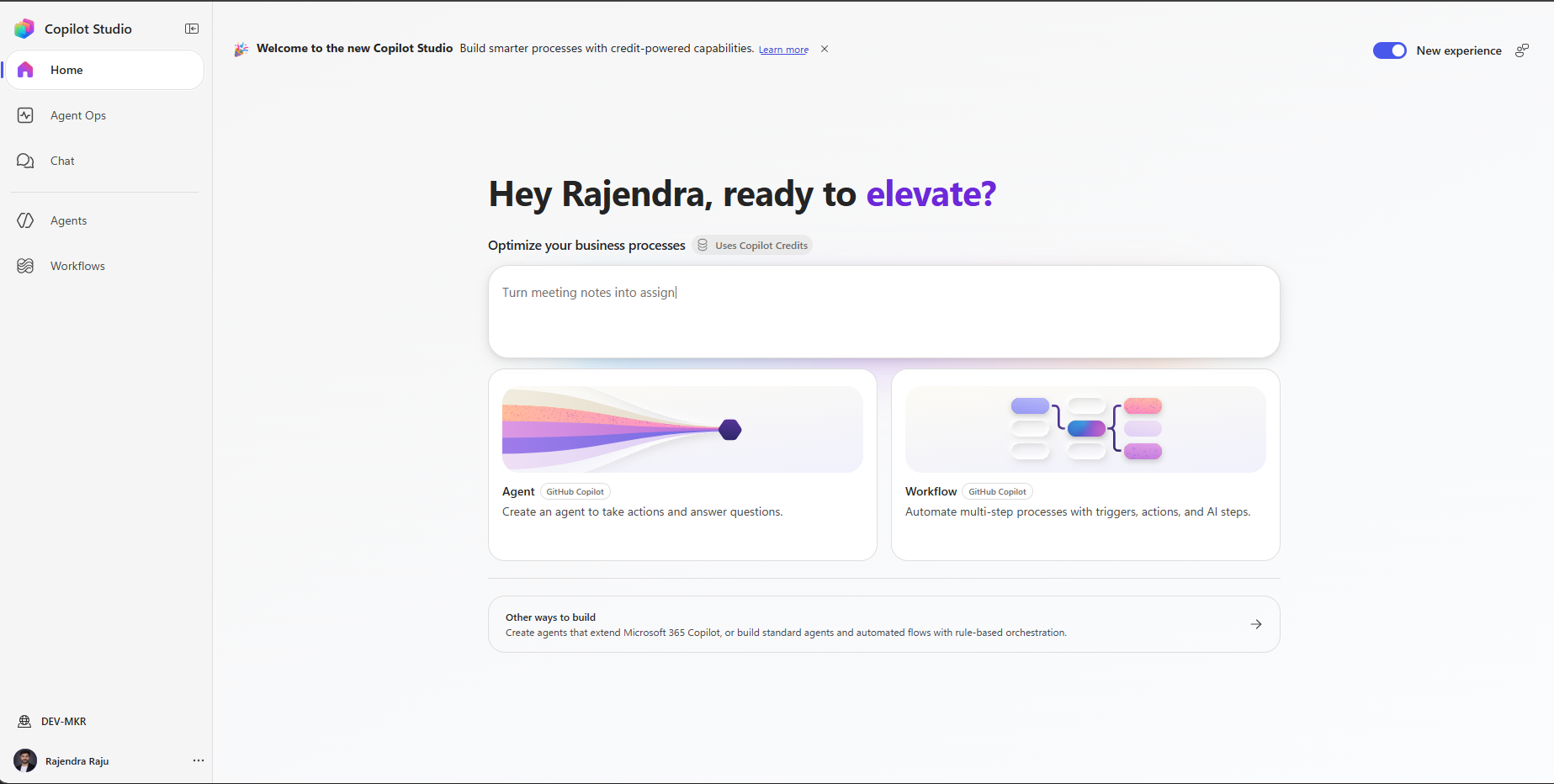
1. Copilot Chat Harness
Best for extending Microsoft 365 Copilot Chat with enterprise knowledge and employee-facing experiences.
2. Standard Harness
Best for rule-based agents, structured conversations, topics, predictable branching, and controlled business processes.
3. GitHub Copilot Harness
Best for reasoning-heavy, multi-step scenarios where the agent needs to dynamically plan and orchestrate tools, knowledge, skills, and MCP servers.
The mental model is changing.
Instead of only asking:
"What type of agent should I build?"
we increasingly need to ask:
"Which harness gives me the right balance of capability, predictability, governance, and cost?"
That decision should happen early in the solution design.
🚀 What Makes the GitHub Copilot Harness Different?
The biggest difference is the shift from scripted orchestration to goal-based orchestration.
Traditional agents generally follow logic defined in advance:
User → Topic → Condition → Action → Response
With the GitHub Copilot harness, you can define a goal and allow the agent to determine how to complete it using the tools and knowledge available to it.
For example:
"Review this customer case, identify the required documents, validate the information, generate a summary, and create the appropriate follow-up."
The harness can determine which tools, knowledge sources, skills, models, or MCP servers are needed to complete that task.
This enables much more agentic behavior without requiring makers to define every possible execution path.
💳 How the Billing Model Changes
One of the biggest differences is usage-based billing.
With the GitHub Copilot harness, Copilot Credit consumption can begin during authoring—not only after publishing.
Activities that can contribute to consumption include:
Natural-language agent creation
Configuring instructions and knowledge
Preview and test conversations
Evaluations
LLM usage
Tool calls
Knowledge retrieval
MCP interactions
Runtime execution after publishing
This changes the budgeting question.
Previously, teams often focused mainly on licensing and production usage.
Now the question becomes:
"What will this agent consume while we build, test, evaluate, and operate it?"
Official billing overview: https://learn.microsoft.com/en-us/microsoft-copilot-studio/agents-experience/billing-credit-overview
⚙️ What Consumes Copilot Credits?
Credits can be consumed across the broader agent lifecycle, not just when the final answer is shown to the user.
Examples include:
Agent authoring
Preview conversations
Evaluation runs
Reasoning model usage
Knowledge retrieval
Tool execution
MCP calls
Agent runtime
Copilot Credits are the unit used to measure consumption. The effective cost depends on how credits are purchased and how the agent is designed and used, so organizations should validate current pricing against Microsoft’s latest licensing guidance.
As an illustration, consumption can vary significantly depending on task complexity, model usage, tools, knowledge retrieval, and orchestration. Two agents solving the same business problem can therefore have very different consumption profiles depending on how they are designed.
The more important takeaway is this:
Different agent designs can have very different consumption patterns even when they solve the same business problem.
Model choice, reasoning depth, tool calls, MCP interactions, prompt size, response size, retry behavior, and user volume can all influence consumption.
Agent design decisions are increasingly cost decisions.
✅ Key Advantages
Goal-based orchestration — agents can work toward an outcome instead of relying only on rigid topic trees.
Dynamic tool usage — the harness can determine which available tools, APIs, knowledge sources, or MCP servers are needed.
Better support for complex processes — multi-step business scenarios can be handled with less manual branching.
Native file capabilities — richer support for working with Word, Excel, PowerPoint, and PDF files.
Reusable skills — common behaviors can be reused across scenarios.
Improved observability — richer visibility into agent activity, tool invocations, knowledge-source usage, errors, and execution behavior.
This brings significantly more agentic orchestration capability into Copilot Studio without requiring every maker to become a traditional software developer.
⚠️ Limitations & Governance Considerations
Variable consumption — reasoning-heavy agents can consume substantially more than simple conversational agents.
Development can be billable — repeated previews, testing, evaluations, and experimentation can contribute to consumption.
Harness selection matters — moving between harnesses should not be treated as a trivial design change.
Greater autonomy requires stronger governance — security, permissions, human oversight, logging, and monitoring become more important.
Shared capacity needs monitoring — development and production environments should be monitored carefully to prevent unexpected consumption.
The GitHub Copilot harness is powerful, but that power needs appropriate controls. If you prefer standard-harness authoring, turn off the New experience toggle on the Copilot Studio homepage.
🛡️ How to Manage and Govern Usage
If you're planning to use the GitHub Copilot harness, a few practices can help keep usage predictable.
Separate development, test, and production environments. This makes it easier to understand where consumption is occurring.
Set per-agent monthly limits where available. Use thresholds and notifications so one agent cannot unexpectedly consume a large portion of available capacity.
Monitor usage in the Power Platform admin center. Review prepaid capacity, pay-as-you-go usage, environment consumption, and agent-level consumption.
Treat testing as billable activity. Large evaluation runs and repeated preview sessions should be planned rather than treated as unlimited experimentation.
Control autonomous execution. High-frequency triggers, retries, long-running tasks, and repeated tool calls should have clear boundaries.
Create a cost baseline during the POC. Test simple, medium, and complex scenarios and measure actual consumption before scaling.
Don't automatically choose the most powerful harness. If a process is predictable and doesn't require autonomous reasoning, the standard harness may still be the better architectural choice.
Microsoft capacity guidance: https://learn.microsoft.com/en-us/power-platform/admin/manage-copilot-studio-messages-capacity
🔄 What May Still Change
This area is evolving quickly.
Microsoft continues to update product capabilities, billing guidance, administrative controls, and licensing documentation.
Some features may also continue to carry preview labels even as the broader harness experience evolves.
For that reason, always validate current credit rates, harness capabilities, and administrative controls directly against Microsoft documentation before making production or budget decisions.
🔗 Official Microsoft Resources
🏁 Final Thoughts
The GitHub Copilot harness represents an important shift in Copilot Studio.
We're moving from agents that primarily follow predefined paths toward agents that can increasingly reason, plan, select tools, interact with enterprise systems, and dynamically execute multi-step work.
That creates powerful new possibilities, but it also changes the architecture conversation.
Harness selection, governance, observability, security, and cost now need to be considered together.
If there's one thing to remember, it's this:
Capability and cost are no longer separate conversations when designing advanced Copilot Studio agents.
The goal shouldn't be to choose the most powerful harness available.
It should be to choose the right harness for the business problem, govern it properly, measure real consumption, and scale only when the additional capability delivers clear business value.
About the author
- Power Platform & Agentic AI Architect | 10+ years building enterprise solutions with Power Platform, Dynamics 365, Copilot Studio, Azure AI, and Dataverse.